Android 桌面。專為使用者與 AI 打造。
在 PC 和 Mac 上同時執行多個 Android 應用程式,每個都有獨立視窗。
下載 BlueStacks Desktop採用 Android 16
下載 AI 代理技能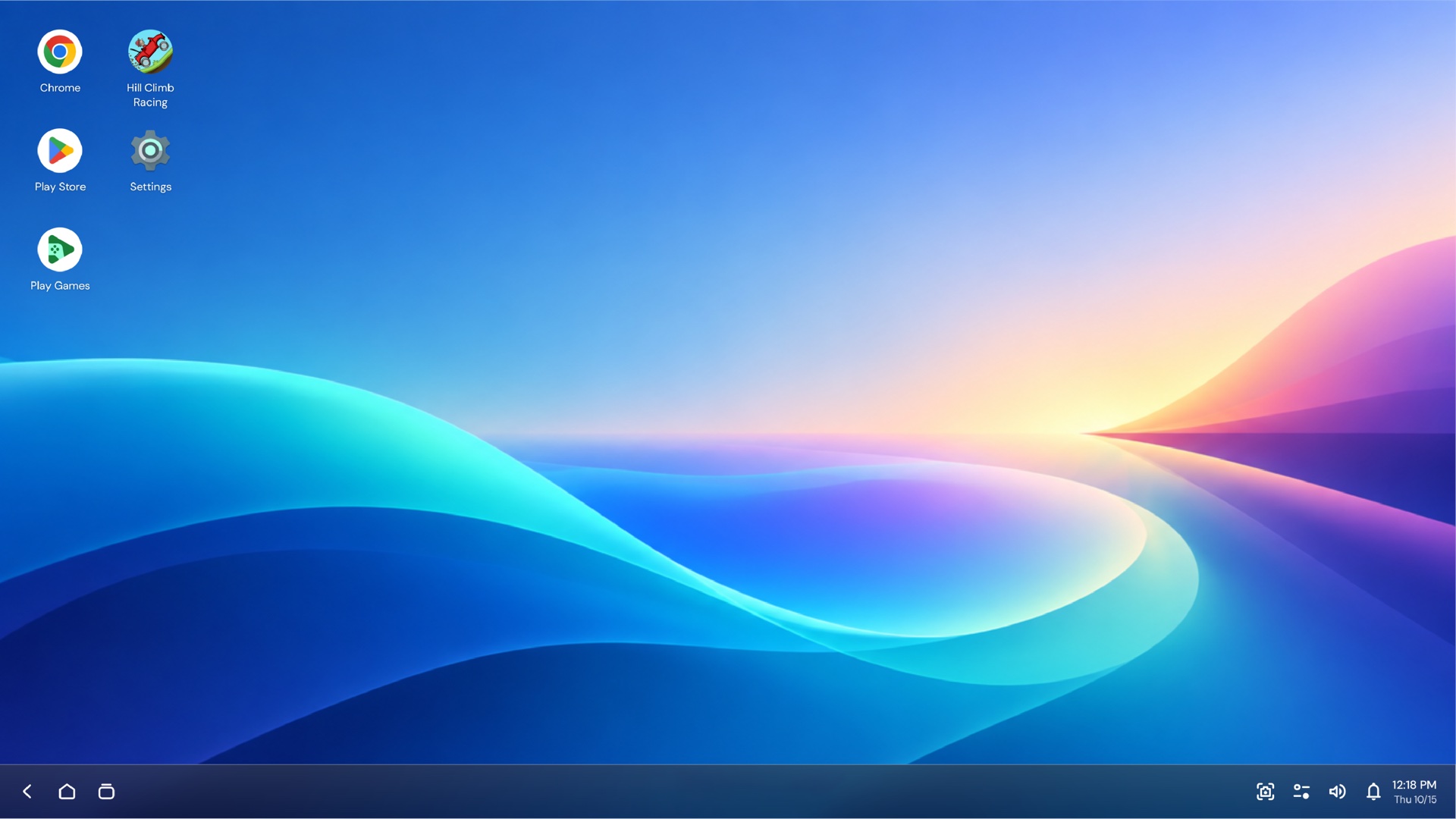

Lena Ortiz @lenaortiz · 2h
Sunrise hike was worth the 5am alarm 🏔️


Marcus Bell @marcusbell · 3h
Best ideas show up halfway through the second coffee.

Ava Thompson @avathompson · 4h
New favourite café in town. The heart is a bonus ☕


Diego Ramos @diegoramos · 5h
Weekend plan: zero meetings, one long bike ride.
Trends for you
#WeekendVibes
12.4K posts
Coffee
8,912 posts
#Hiking
5,230 posts
Android 16
3,104 posts
 Google Play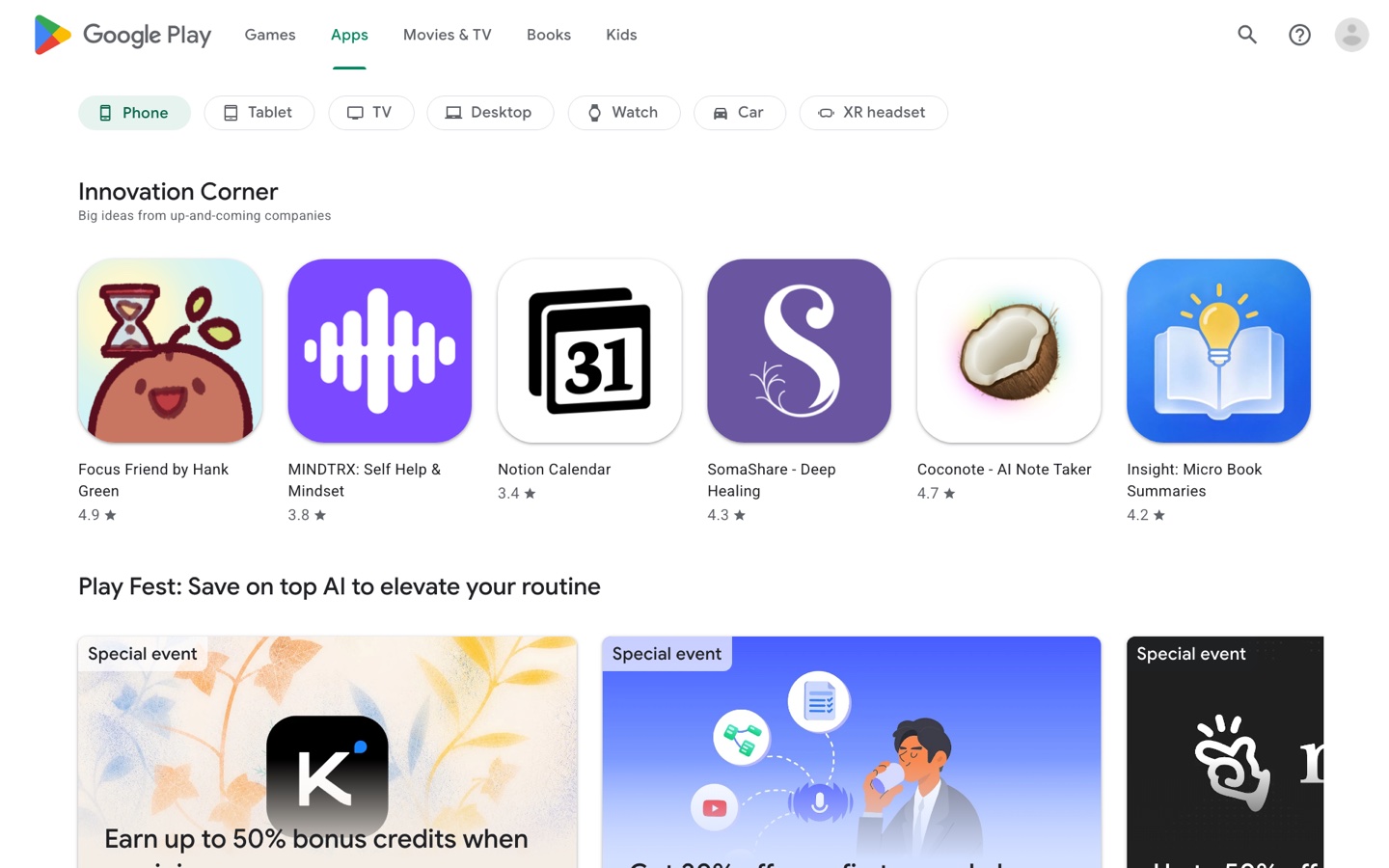

Salmon poke bowl
Aloha Bowls · 4.7 ★ · 20 min

Margherita pizza
Napoli Corner · 4.6 ★ · 25 min

Classic cheeseburger
Grill House · 4.5 ★ · 15 min

Tonkotsu ramen
Noodle Bar · 4.8 ★ · 25 min

Penne arrabbiata
Trattoria Rosa · 4.6 ★ · 30 min

Sushi platter
Sakura Kitchen · 4.9 ★ · 35 min


工作交給你的代理。電腦由 BlueStacks 提供。
 Claude
在 Amazon 上找 150 美元以下的無線耳機,並挑出最好的一款。
- 開啟 Amazon Shopping
- 搜尋「wireless earbuds」
- 比較前 3 名
- 選出 150 美元以下最好的一款
完成 — Noise Cancelling Earbuds,$119.99
瀏覽器、檔案與 Android 應用程式,盡在一處
這是唯一整合瀏覽器、檔案和 Android 應用程式三者的電腦操作環境。代理已經能使用瀏覽器和檔案,但許多日常事務都在沒有網站或 API 的應用程式中進行。BlueStacks Desktop 填補了這個缺口。
代理已可使用
瀏覽器
代理已在其中工作的網站與網頁應用程式。
代理已可使用
檔案
文件、下載項目,以及任務所需的檔案。
BlueStacks 填補的缺口
Android 應用程式
沒有網站或 API 的日常應用程式
以 Android 16 為基礎。專為桌面使用打造。
提供原生視窗管理、可調整大小的應用程式視窗,以及完整的鍵盤和滑鼠支援。
關於 BlueStacks Desktop 的常見問題
BlueStacks Desktop 為 AI 代理提供一台搭載 Android 16 的 Android 電腦。它將 Android 應用程式、瀏覽器和檔案整合在同一個環境中,讓代理能在其中執行任務。
不是。BlueStacks Desktop 是供代理工作的 Android 電腦。你可以使用 Claude 或 Codex 等代理,讓它操作 BlueStacks Desktop 中的應用程式、瀏覽器和檔案。
Claude 和 Codex。連結自己的帳號,並選擇要執行工作的代理。
App Player 專為想在 PC 上玩手機遊戲的使用者打造。BlueStacks Desktop 則專為使用者與 AI 打造,提供桌面式的 Android 16 環境,讓代理能使用應用程式、完成任務並進行練習。