Your AI has its own computer, with mobile apps.
Right on your PC. Watch it work, and step in any time.
Download BlueStacks DesktopRequires 8GB RAM or more
Download AI agent skill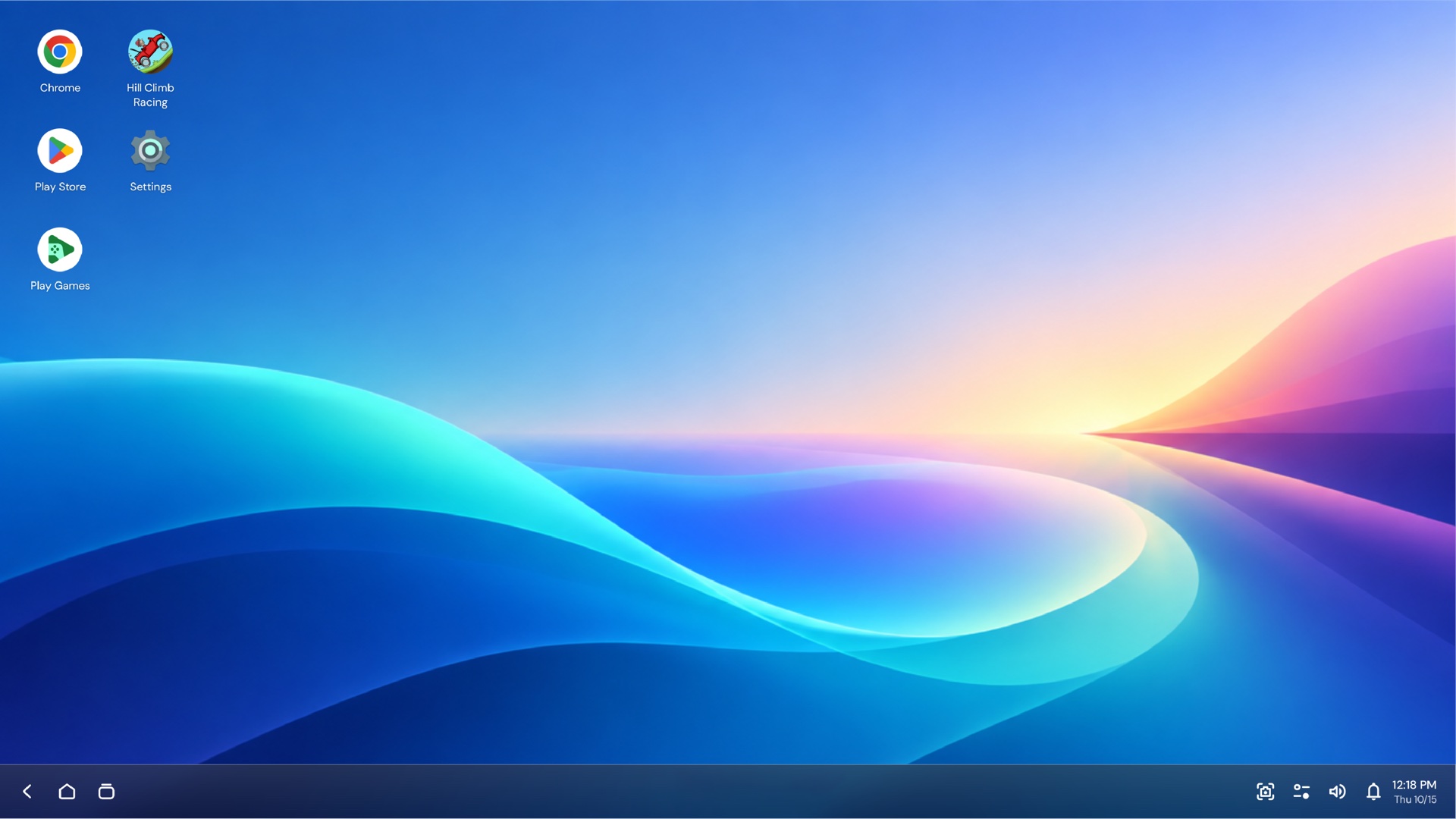

Lena Ortiz @lenaortiz · 2h
Sunrise hike was worth the 5am alarm 🏔️


Marcus Bell @marcusbell · 3h
Best ideas show up halfway through the second coffee.

Ava Thompson @avathompson · 4h
New favourite café in town. The heart is a bonus ☕


Diego Ramos @diegoramos · 5h
Weekend plan: zero meetings, one long bike ride.
Trends for you
#WeekendVibes
12.4K posts
Coffee
8,912 posts
#Hiking
5,230 posts
Android 16
3,104 posts
 Google Play

Salmon poke bowl
Aloha Bowls · 4.7 ★ · 20 min

Margherita pizza
Napoli Corner · 4.6 ★ · 25 min

Classic cheeseburger
Grill House · 4.5 ★ · 15 min
Tonkotsu ramen
Noodle Bar · 4.8 ★ · 25 min

Penne arrabbiata
Trattoria Rosa · 4.6 ★ · 30 min

Sushi platter
Sakura Kitchen · 4.9 ★ · 35 min


Most of life runs in apps.
Food delivery, rides, chat and shopping live in apps, not websites.
AGENTS ALREADY HAVE
Browser
Chrome built in, for websites and web apps.
AGENTS ALREADY HAVE
Files
Documents, downloads and the files a task needs.
The missing piece
Mobile apps
Android 16 with Google Play: millions of apps your agent can open, tap and type in.
Your agent does the work.BlueStacks gives it the computer.
 Claude
Find wireless earbuds under $150 on Amazon and pick the best one.
- Open Amazon Shopping
- Search “wireless earbuds”
- Compare the top 3
- Pick the best under $150
Done — Noise Cancelling Earbuds, $119.99
- Works with Claude, Codex and other agents
- Many apps open at once, each in its own window
- It asks before it pays, sends or deletes
Most agent computers are rented. This one is yours.
Cloud phones and desktops run in a data center. BlueStacks Desktop runs on your PC.
Where it runs
BlueStacks DesktopYour PC
- Cloud phones
- A remote data center
- Cloud desktops
- A remote data center
Cost
BlueStacks DesktopNo per-minute or monthly fees
- Cloud phones
- Billed per minute
- Cloud desktops
- Billed monthly, per machine
Android apps
BlueStacks DesktopGoogle Play built in
- Cloud phones
- Cloud desktops
Browser and files
BlueStacks DesktopAll in one place
- Cloud phones
- Cloud desktops
Watching and taking over
BlueStacks DesktopRight on your screen
- Cloud phones
- Through a web stream
- Cloud desktops
- Through a web stream
Setup
BlueStacks DesktopDownload, add the skill
- Cloud phones
- Account, API key, billing
- Cloud desktops
- Account, API key, billing
Three steps to get started.
01
Install BlueStacks Desktop
Download it and install it on your PC.
02
Add the agent skill
One file that teaches Claude or Codex how to use BlueStacks Desktop. Then turn on agent access in Settings.
03
Give your agent a task
Ask in plain words, then watch it work.
you › Install Spotify from Google Play and make a playlist of this week’s top songs
Your agent gets a computer. Not the keys to yours.
BlueStacks Desktop is a separate Android computer in a window. Your agent works in there, under your rules.
Agent access is off until you turn it on
Switch it on in Settings when you want your agent to connect, and off any time.
It asks first
Paying, sending messages, granting permissions and deleting wait for your OK.
Screen text is data, not orders
The agent skill tells your agent to ignore instructions hidden in web pages, chats or notifications.
It cleans up after every task
Temporary screenshots and screen dumps are deleted when the task is done.
Built on Android 16. Designed for Desktop
Resizable apps, with keyboard and mouse support
Questions about BlueStacks Desktop
BlueStacks Desktop gives an AI agent an Android computer, powered by Android 16. It brings Android apps, a browser and files into one environment where the agent can work through tasks.
No. BlueStacks Desktop is the Android computer your agent works on. You bring the agent, such as Claude or Codex, and it uses the apps, browser and files inside BlueStacks Desktop.
Claude and Codex. Connect your own account and choose which agent does the work.
App Player is made for people to play mobile games on a PC. BlueStacks Desktop is made for humans and AI: a desktop-style Android 16 environment where agents use apps, complete tasks and practice.
BlueStacks Desktop runs on your PC. Your agent’s AI model runs wherever its provider runs it, so the screenshots your agent takes go to that model, as with any agent that uses a computer.
Inside BlueStacks Desktop: the Android apps you install, the browser and the files you put in it. If your agent can also control your whole computer, it can see your screen, as with any agent that uses a computer.
Give your agent a computer. Keep it on your desk.
Download BlueStacks DesktopRequires 8GB RAM or more
Download AI agent skill